
McAfee Veelgestelde vragen
De licenties van McAfee kan je online activeren via deze link: https://mcafee.com/activate/
1. Voer jouw licentie code en e-mailadres in.
2. Vervolgens kom je op een scherm waar je creditcard gegevens in kan vullen.
Deze stap sla je over aangezien je al in bezit bent van een licentie voor 1 jaar.
3. Klik onder de rode knop op “doorgaan zonder extra voordelen”.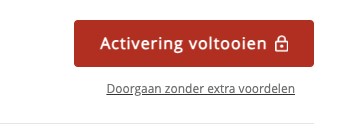
4. Je kan nu de app downloaden vanuit jouw account.
5. Had je nog geen McAfee account voordat je aan deze activatie begon? Klik dan op wachtwoord vergeten om een wachtwoord aan te maken.
6. In het dashboard kan je McAfee downloaden.
Het abonnement is vanaf dit moment 1 jaar geldig.
Windows Pro says it all in the name. This version of Windows has more functionalities than Home. In fact, in all cases we recommend installing Pro so that you do not miss any functionalities. Windows Pro is a lot more secure than Home because there are more security features. A number of extra functionalities that you get with Pro and not with Home are, for example:
- Bitlocker
- Remote Desktop
- Assigned Access
- Windows Sandbox
- Hyper-V
- Join Active Directory
- Windows Information Protection
- Group policy
- Faster Windows updates
- Maximum ram limit 2TB
